Less print
Update the agenda and materials without reprinting attendee packs.
A credential that keeps working
One elegant badge. Every event detail, always current.
Receive a personalized NFC and QR badge holder connected to your mobile event hub. Attendees open the programme, speakers and materials without installing an app. Update digital content while keeping the same physical pass.
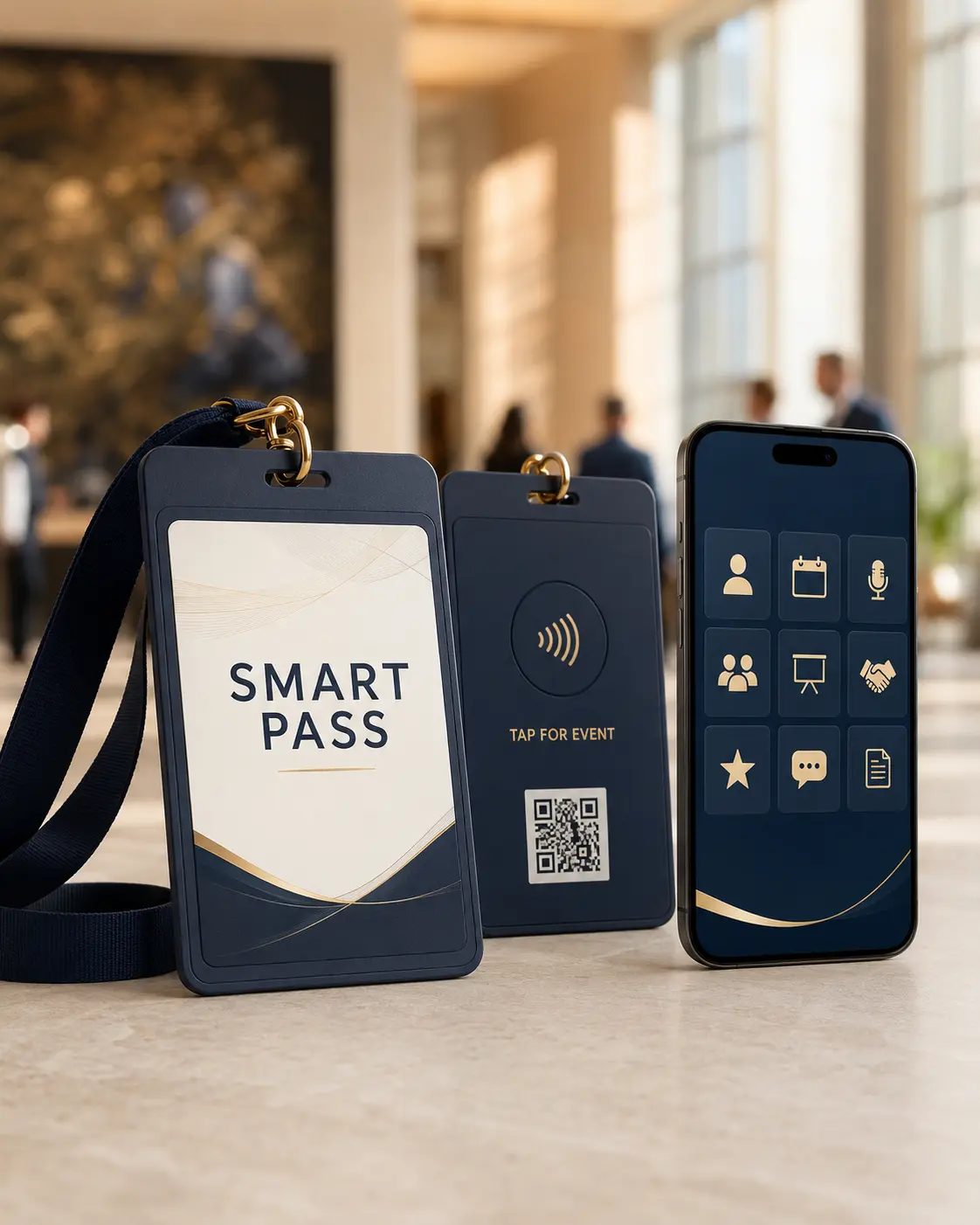 Concept visual · final design approved before production
Why it matters
Update the agenda and materials without reprinting attendee packs.
Attendees get a simple mobile hub, event administrators get an on-site operations view, and Impressio controls event creation and configuration.
Give the organizer clearly defined digital inventory that can be resold to sponsors and measured through basic engagement reporting.
01 / Physical product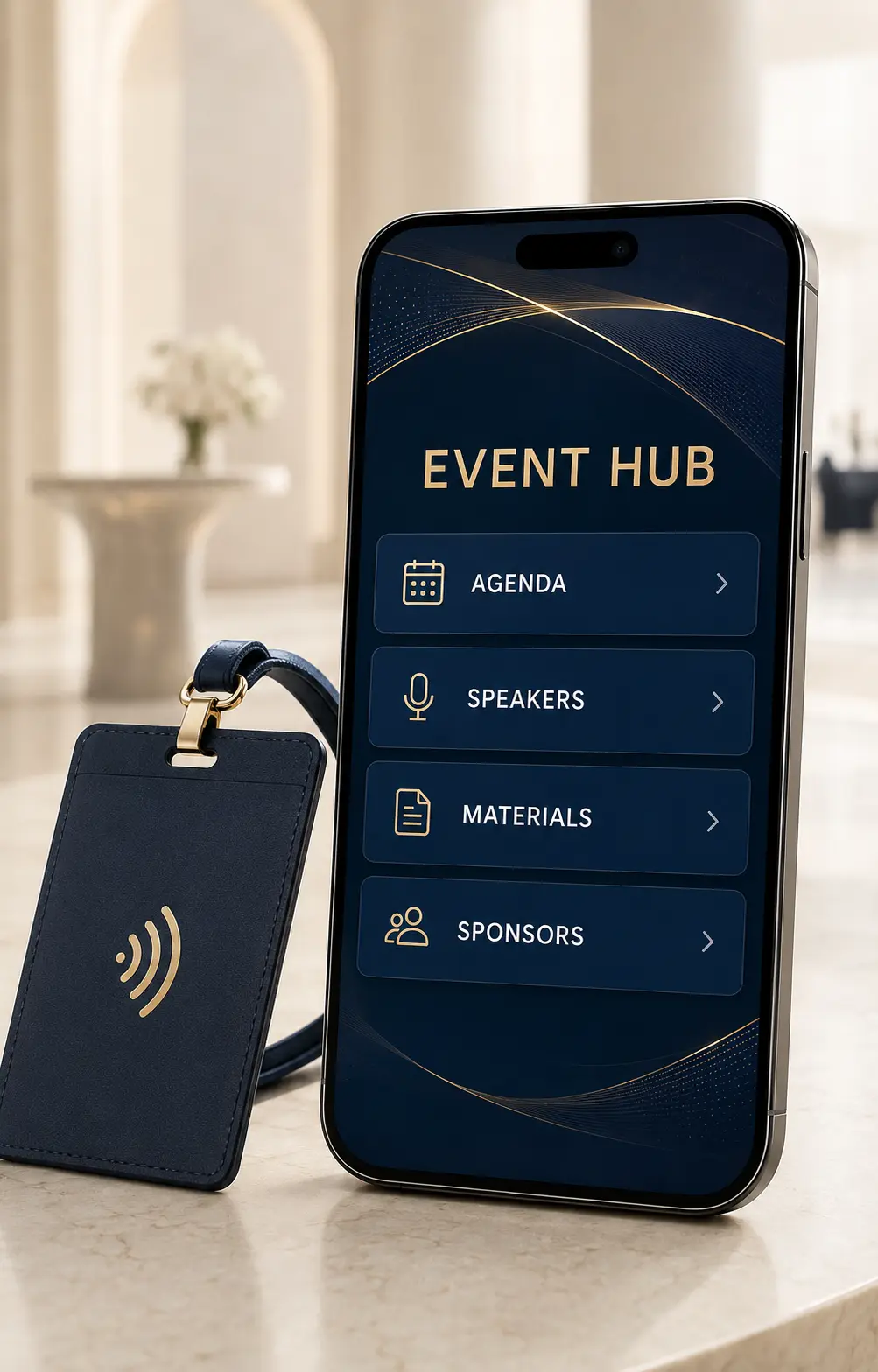 02 / Tap or scan the QR
Programme, speakers and resources in one place.
One object. A new experience.
A printed attendee credential on the front. NFC and QR access on the back.
Hold a compatible phone near the NFC area, or scan the QR with its camera and open the link.
The event opens: agenda, speakers, materials and any additional content enabled by the organizer.
Before production
You provide event details, branding, agenda, speakers and materials. We prepare the hub and programmed cards; you approve the design before production.
Registration, attendance, certificates, gallery and sponsor placements depend on the package and organizer settings. The public demo shows the attendee experience with sample data only.
Online content requires an internet connection. NFC must be supported and enabled; QR offers an alternative route to the same page.
Three connected interfaces
Smart Pass is more than a landing page. It is one connected system for attendees, the on-site team and Impressio event control.
The organizer orders a package and supplies the identity, programme, speakers, materials and sponsors.
Impressio creates the event, configures the content and generates unique NFC/QR links.
The passes and five administrator cards arrive programmed, labelled and tested.
On first access, the attendee enters their name, institution and city. The same device is then recognized.
The organizer manages attendance and notices while the approved certificate is personalized automatically.
The optional module creates clear commercial value without distracting from the event content.
The experience
We publish the customer experience and commercial deliverables—not the production specification behind them.
Ways to use it
Organize accredited sessions, speaker biographies, abstracts, educational materials and certificates.
Connect members to the program, announcements, resources and future-event registration.
Centralize multi-track agendas, internal documents, venue information and approved networking actions.
Create clearly separated partner tiers, campaign destinations and aggregated engagement reporting.
Included in Smart Pass
Available in the attendee hub from day one: participants edit their NFC business card, save connections and capture sessions without leaving the agenda.
Attendees add their name, phone and email, choose what to share, activate the card and give others a Save to contact action.
With one tap, capture a slide or add a quick note tied to the session currently in progress; it stays with the agenda.
History is always available. Unread messages show a red lamp that turns green after opening; the organizer sees open counts.
Clear starting points
Prices are starting estimates in the displayed currency (BAM / KM for Smart Pass). Final delivery, tax and any unusual customization are confirmed before payment.
Enter your first name, last name and email to instantly view all Smart Pass packages and prices.
Made to order
Share the date, attendee count, visual identity, agenda, speakers, materials and approved sponsors.
Review the physical pass, attendee interface and sponsor placements before activation.
Every pass and five administrator cards arrive programmed, labelled, tested and connected to the event.
Important: Participant data is used only for event registration, attendance administration and personalized certificates. The organizer controls content, administrator access and certificate activation.
Good to know
No. A compatible phone opens the event hub directly; a QR code is included as a universal fallback.
Yes. Authorized event content can be updated without changing or reprinting the badge holder.
On first tap or scan, the attendee enters the required details. If they need help, an event administrator can scan the pass and enter the name for them.
Impressio loads the approved template and positions the name field. When the organizer enables certificates, the system generates one for each registered attendee.
Begin with the purpose
Build a request in minutes. No charge is made until the final design and delivery quote are approved.